

Mobile layouts
Make services, project photos and contact details easy to use on a phone.

Websites for trades and service businesses across Australia. Show your work, explain your services and make it easy for customers to call or request a quote.




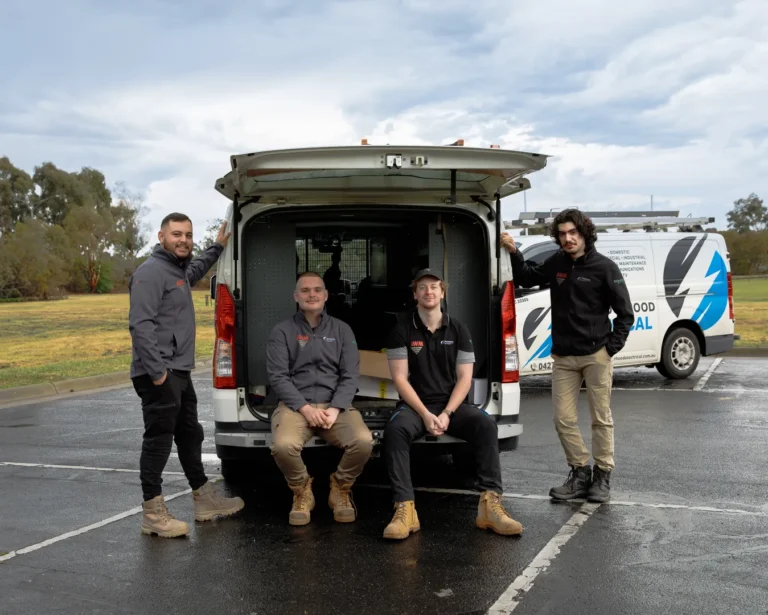



















Customers need to know what you do, where you work and how to contact you. Your website can answer those questions while you are on the tools.
Make services, project photos and contact details easy to use on a phone.
Give customers a straightforward way to call or request a quote.
Describe where you actually work, with useful location information.
Use WordPress to manage the agreed content.
Agree the pages, features and price before starting.
Your quote sets out the pages and features included in the build.
Identify your services, customers and the pages they need.
Create the layout around your brand, work and customer enquiries.
Use descriptive titles, headings and links for the agreed pages.
Discuss which enquiries or actions you want to measure.
Choose useful examples, service details and imagery.
Explain how to update the agreed WordPress content.
Choose WordPress care plans separately if you want ongoing maintenance and support.
For ecommerce or custom features, discuss website development.
A useful website shows the work you do and the areas you serve. Clear information and contact options help customers decide whether to enquire.
What services do you offer?
Which areas do you actually cover?
Can customers see examples of your work?
What happens after they request a quote?
How can they contact you while you are on a job?
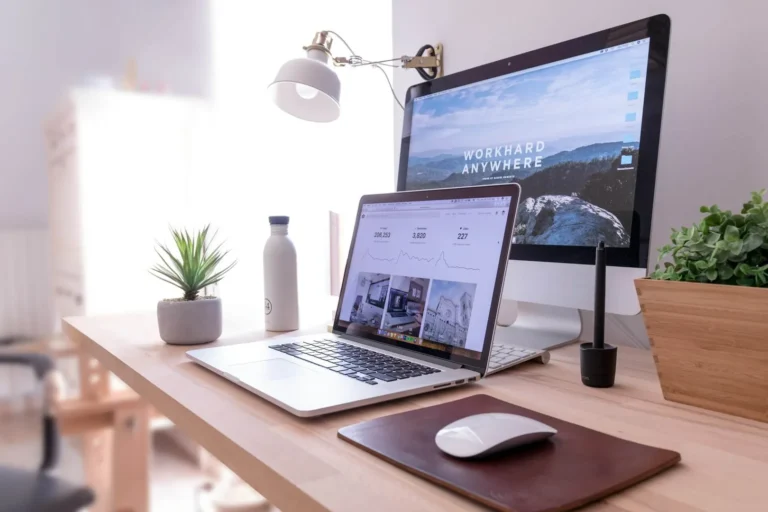
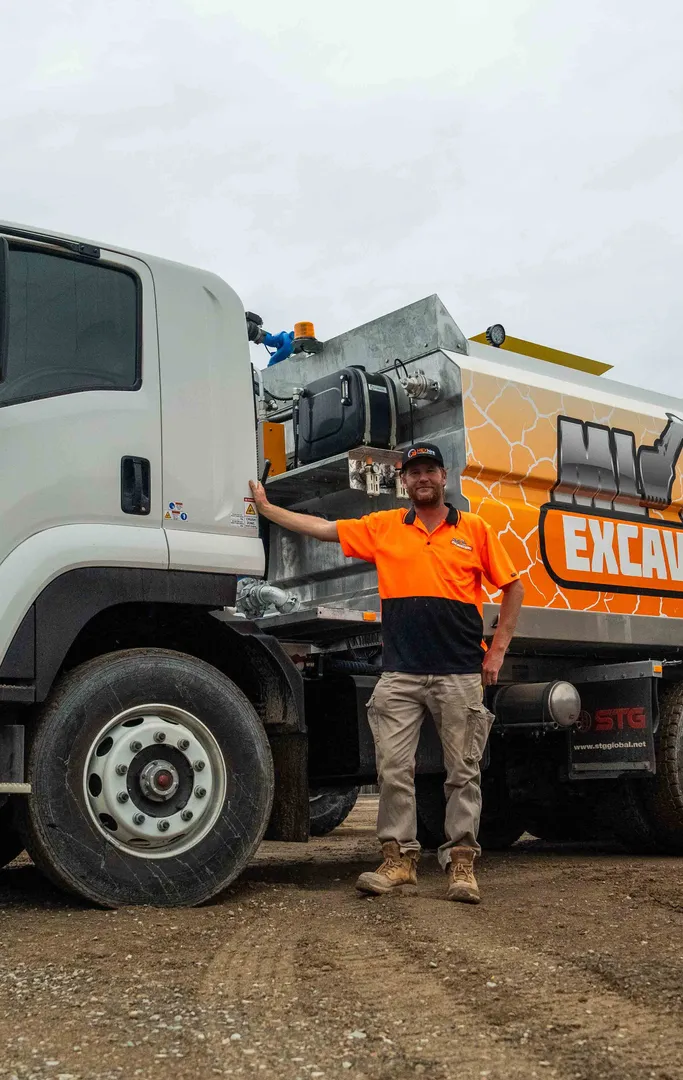
Choose the content and features that help customers understand your business. The final inclusions are listed in your quote.
A homepage that explains the trade and services.
Service pages with accurate coverage areas.
A clear phone link and quote enquiry path.
A WordPress layout that works on mobile.
Real project photos and customer feedback where available.
A page structure that helps customers find the right service.

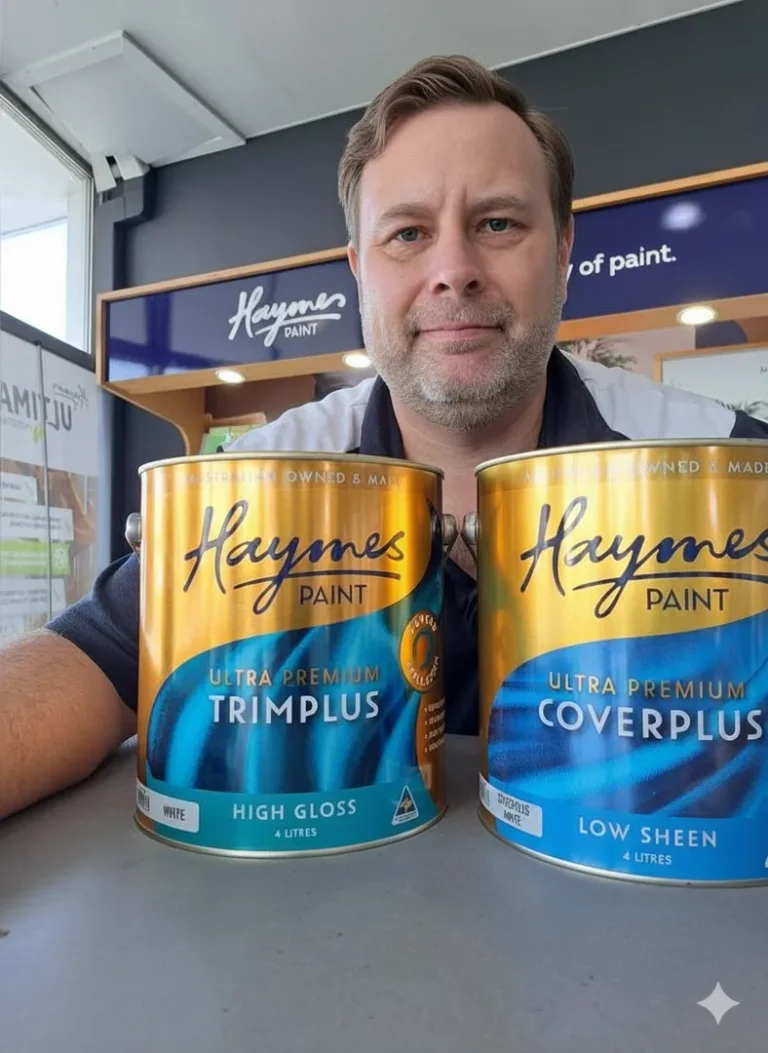
Scope
Objectives
Timeline
Budget

Information architecture
Page templates
Content plan
Component‑based UI
Interactive prototype
Feedback rounds
You’ll see it come to life, one step at a time.

Performant code
Reusable components
QA

Deployment
Tracking
Performance check

Editing handover
Optional care plans
Future changes
Review the finished site and discuss any separately quoted care or future improvements.

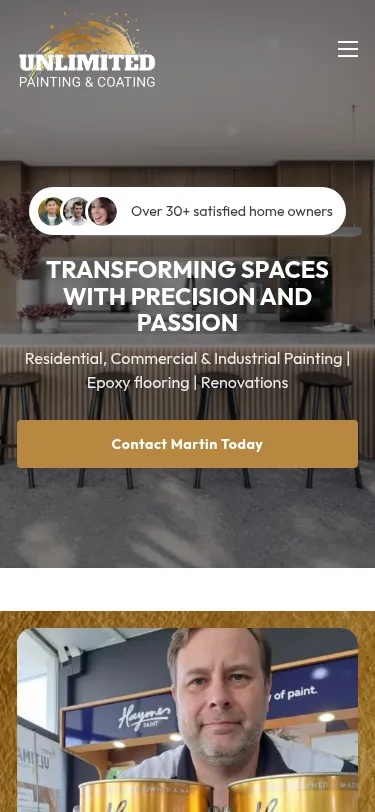

Routine support is during business hours, with after-hours help for genuine emergencies.
The selected plan defines the update work. UpdraftPlus backup schedules depend on the site; daily Acronis host backups apply to Microbite-hosted sites.

Decide whether to use optional Microbite hosting or keep an existing provider.
Discuss extra content, performance or feature work against the plan’s support allowance or a separate quote.
We’re proud of the positive impact we’ve made for our clients.
See what they have to say about our dedication, expertise, and results-driven approach.
Excellent

Southcare is a charity in Carrum Downs and we wanted a web page so we turned to Microbite. They were able to provide a ‘mock up’ site so our members could see what was on offer. We worked with Microbite to the stage where we are very happy and impressed with the outcome.


Peter is amazing at his craft. He has been doing an amazing job on our website and his detail to attention is incredible.
Peter always provides additional advice to improve your website.

I recommend Peter as a website developer, he has a fantastic eye for unique designs and was able to implement some of the best changes for my website.
Peter has always been prompt, reliable and open to ideas.
He can seemingly do anything, so he’s very highly recommended.

Peter did an excellent job in designing my Ikebana Floral Therapy website. The final product was very functional, tasteful, and aesthetically nice to look at. Peter was a good listener and knowledgeable in web design. His service delivery was responsive and on time.
I am delighted with the website, and I would recommend Microbite Websites to anyone who is looking to create a customised website.

Peter has been fantastic. He encompassed my brand perfectly creating a beautiful and professional website. Clients often tell me they love the look my website and the tone of voice used throughout as it’s very elegant and professional but still has a ‘local’ soft feel to it. Exactly what I wanted. Thanks Peter :)
As a small bussiness owner it has always been on the back of my mind to start a website but had never gone ahead with it due to not knowing where to start and what to write. Peter and Jayden had made my experience extremely easy. From me just sending them pictures and logos and from them making it into what it is, is so pleasing due to me being time poor. Couldn’t be happier with the final results. Definitely 100% recommended.
From Kris at SA Weldfab

The guys at Microbite were extremely fast and reliable with their turnaround on our website. Couldn’t be happier with our new website! Thanks guys

Peter got me out of a bad situation with another Web Developer. He listened, advised and provided a professional website with clarity and links to all the necessary Add On apps required. Excellent flow of conversations and speedy responses to queries.

Peter’s skill set was amazing, he worked with us for exactly what we needed.
Anyone wanting a website built would be wise to choose Microbite Websites. I have been blessed with an amazing website that I love. Peter from Microbite Websites listened to my design ideas and transformed them into a website that is beautiful and functional. I really am grateful to have found the services of Peter from Microbite. Honestly, if you need to find a skillful website designer that is not a ripoff, get in touch with Peter from Microbite Websites. Thanks again Peter!

Peter was assigned to take on the complex task of setting up our websites. Peter’s skill set was amazing, he worked with us for exactly what we needed. No matter the task Peter went the extra distance to ensure he developed what I would call a perfect website. We will be using Peter for any further work – very highly recommended.
We had the pleasure of working with the Microbite Team to set up our first company website.
Peter and his team made the journey stress free and guided us through the process which helped us create an amazing website that we are very proud of!
We highly recommend the Microbite Team.

Very happy to work with Peter. Work was completed quickly and to a high standard.
No matter the task Peter went the extra distance to ensure he developed what I would call a perfect website.
Peter & Jayden approached my business as I didn’t have a website. They kept in contact with me until I was ready to proceed.
The process was seamless, communication was excellent, pricing was very reasonable, and the end product has met all of my expectations. We had a few changes needed to the initial website that was built before going live, and every change request was met, in a timely manner and was not an issue.
Highly recommended.
Thank you again!
Peter and Jayden at Microbite Websites are fantastic. Peter especially was so helpful and patient throughout the process of building and tweaking our website. We are so pleased with the site and would highly recommend Microbite to others looking for websites, brand builds and everything in between.
Team was easy to deal with, affordable and did a great job of the website.
Peter created a website for us Great layout exactly how I wanted it He gives good advice to make a website great
Peter was extremely helpful with creating our website. He brought our company to life and was very knowledgeable with what works and what doesn’t.
Would recommend him highly.
Seamless experience, Peter was able to take my inspiration and make a beautiful site that i am beyond happy with. Thank you for a great experience.
Very happy with our experience with Microbite, they made our website and we are stoked! Highly recommend.
“Peter completed the task to convert my ancient Dreamweaver website to Wordpress in a very professional and prompt manner. The end result is better than expected and Peter’s expertise has provided me with the framework to take it to the next level. I have no hesitation to recommend Peter to any prospective clients and I certainly won’t need to search further afield for any future IT problem solving.
Many thanks Peter, job well done.”
Best regards
Rudi & Avalon @ Palm Beach Bed & Breakfast
Timing depends on the pages, features, content and access required. The proposed scope and timing are discussed before starting.
Share the URL and what needs to change. The review helps identify content and features worth keeping.
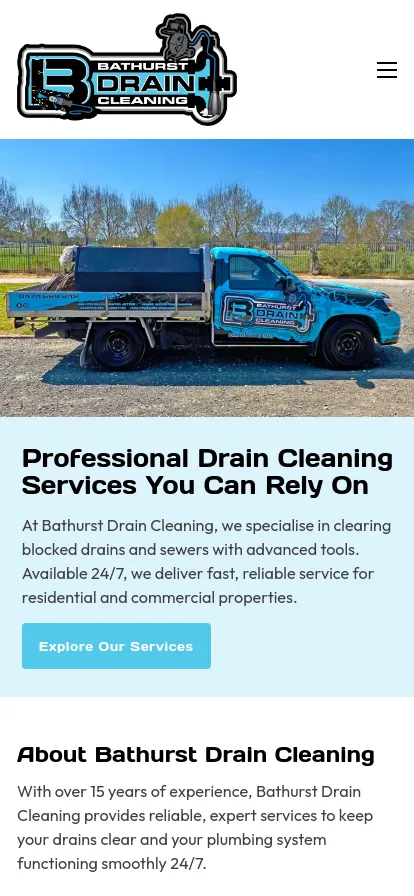
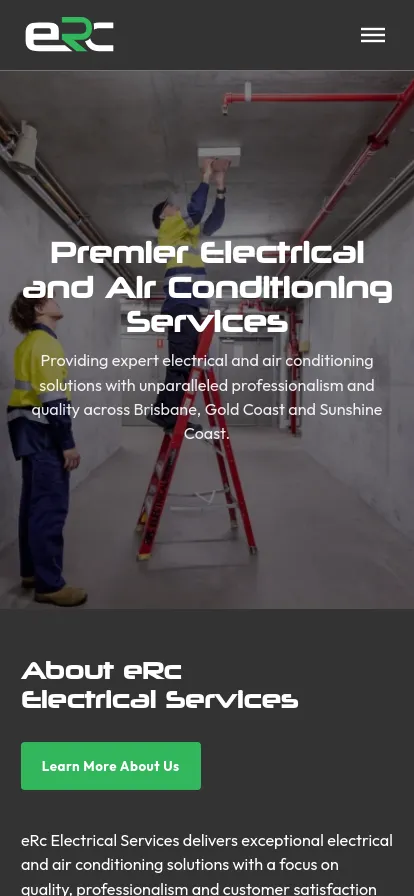
The page’s linked project examples include painting, drain cleaning and electrical businesses. Discuss your trade, services and coverage areas with Peter.
A logical structure, useful content and indexable pages help Google understand a site. Indexing and rankings are Google’s decisions and cannot be guaranteed.
Yes, through separately purchased WordPress care plans. Hosting is optional and charged separately; the selected plan sets the support inclusions.

Tell Peter about your trade, service areas and the website you need.